

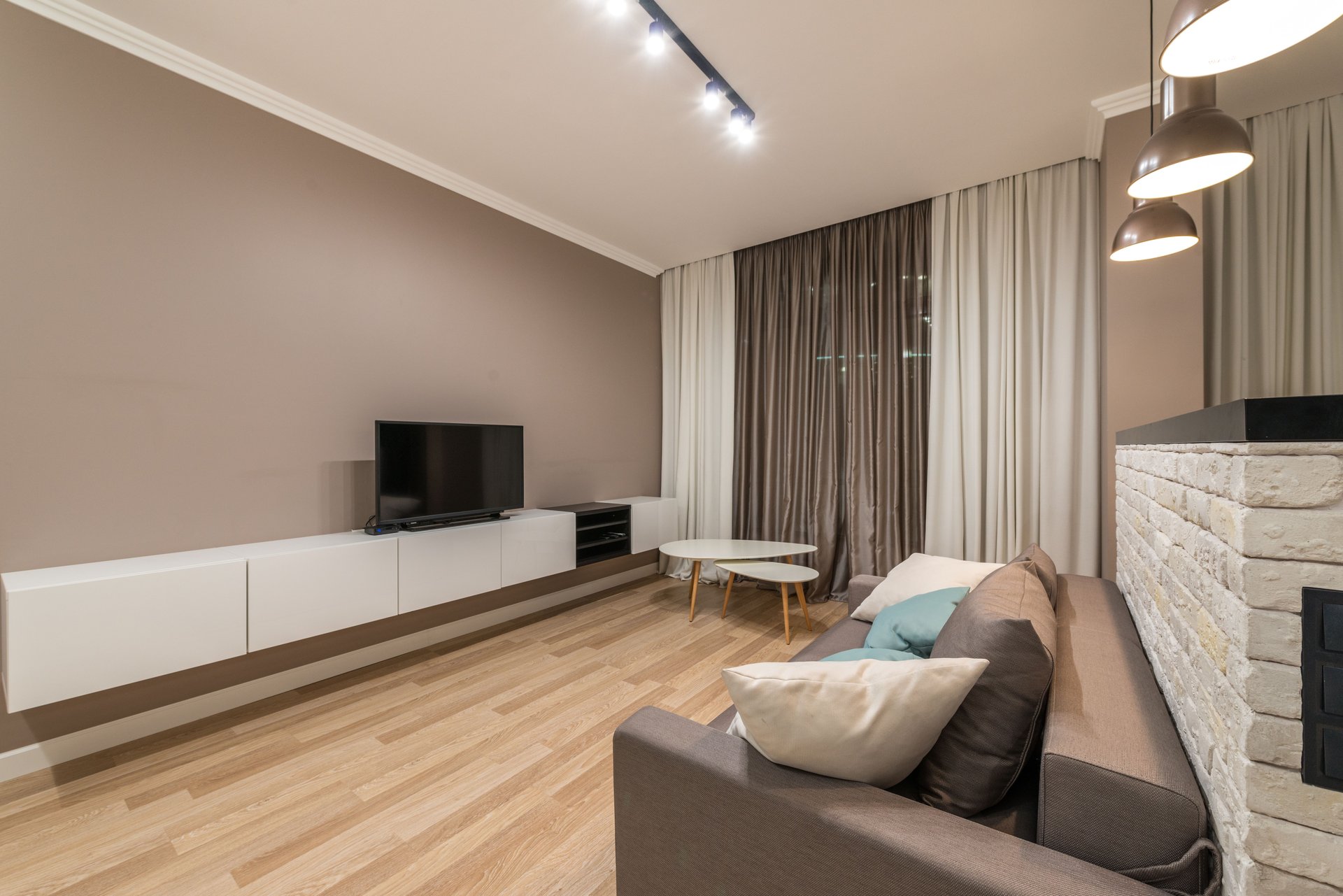
Most people buy Sonos the way they buy furniture: one piece at a time, whenever something catches their eye. A Beam for the living room because the TV speakers are terrible. An Era 100 for the kitchen because it was on sale. A Sub Mini two years later because a friend said it changes everything. Then one day they open the Sonos app, look at their six products, and realize none of them were ever planned to work together — and the room that gets the most use still sounds the worst.
This is the most expensive mistake in the Sonos ecosystem, and it’s not buying the wrong speaker. It’s buying the right speakers in the wrong order. A $450 Era 300 bought as a kitchen speaker is a fine music speaker. That same $450 spent on a pair of Era 100s as surrounds for the Beam you already own would have transformed your movie nights. The products are identical; the plan is what was missing.
Sonos.com will never give you that plan. Their buying guides are organized by product, not by room, and every recommendation ends at “buy the newest flagship.” Forums will give you eleven contradictory plans from eleven strangers who don’t know your room. This page does the job neither of them does: it builds the whole system — soundbar, surrounds, sub, and the order to buy them in — from four answers about your actual situation.
How the System Builder works
The Builder asks four questions: what you already own (nothing, a Beam or Era, an Arc, or surrounds and a sub), your room (small bedroom, living room, large open plan), your primary use (TV and movies, music, or both), and your budget band. From that it produces three things: your recommended system right now, your next upgrade in order, and what to skip. Every recommendation links into our existing guides — the room-size system planning guide, the compatibility matrix, and the relevant product and comparison pages — so you can go deep on any piece of the plan.
The logic follows a small set of rules this site has argued for across its whole planning layer, and they’re worth stating plainly:
Rule one: the soundbar comes first. Surrounds and subs are multipliers — they multiply the quality of the foundation. A Sub paired with TV speakers is money wasted; a Sub paired with a Beam Gen 2 is a different room. The Builder will never put a sub before a soundbar in your plan.
Rule two: surrounds before sub for movies, sub before surrounds for music. For TV and film, surround speakers create the sense of space that a soundbar alone can’t fake — they’re the bigger perceptual upgrade. For music, a sub fills out everything you already hear. If you do both equally, the Builder picks based on your room: bigger rooms get surrounds first, smaller rooms get the sub.
Rule three: match the speaker to the soundbar’s class. Era 300s are magnificent surrounds — behind an Arc Ultra. Behind a Beam Gen 2 in a small room they’re overkill, and the money buys more happiness as a Sub Mini. The Builder only recommends Era 300 surrounds when the soundbar justifies them.
Rule four: portables are not home theater. The Move 2 and Roam 2 are excellent at what they do — music that follows you to the patio, the beach, the garage. They are not surrounds, they are not soundbars, and they don’t belong in a home-theater plan. The Builder keeps them out of TV systems entirely.
The Sonos System Builder
Plan your Sonos setup — and the order to buy it in. Answer 4 questions, get your system.
The upgrade-path philosophy: buy in the right order
The Builder’s most important output isn’t the product list — it’s the sequence. Sonos systems are built to be assembled over years, and the order matters more than most buyers realize. The pattern that works, across nearly every room and budget:
Step one: the soundbar, sized to the room. See our Sonos Arc vs Beam Gen 2 guide for the full soundbar decision. Small rooms get the Beam Gen 2 — still the smart buy in 2026, especially discounted; our Beam Ultra vs Gen 2 upgrade guide works through exactly when the newer model is worth it. Large open plans get the Arc Ultra; the honest three-way comparison covers the middle ground. Getting this right matters more than everything else combined — a correctly sized soundbar in a treated-for-TV room beats an oversized flagship fighting bad acoustics. Renters and apartment dwellers should read our Sonos for apartments guide before sizing up.
Step two: surrounds. A pair of Era 100s behind the couch does more for movie night than any soundbar upgrade. This is the step most buyers skip and the one they notice most when they finally add it. Check the compatibility matrix — not every speaker pairs as surrounds with every soundbar, and the app’s error messages won’t explain why.
Step three: the sub. See our Sonos Sub Mini vs Sub 4 guide for the full subwoofer decision. The Sub Mini suits small and medium rooms; larger rooms earn the full-size Sub. Added last, the sub fills the one thing the soundbar-plus-surrounds still can’t do: physical bass you feel. Added first, it’s an expensive way to make TV speakers slightly less thin.
The honest no the Builder will sometimes give you: if your budget is under $500 and you already own a Beam, the Builder may tell you to buy nothing — to save for surrounds instead of spending $180 on a portable speaker that doesn’t serve the plan. An affiliate site telling you not to buy something is exactly why you can trust it when it tells you to buy something.
What the Builder doesn’t do
Three limits, stated upfront. First, prices are typical bands observed across Sonos and major retailers, verified October 2026 — they’re guidance, not quotes, and Sonos discounts aggressively around sales events, so the smart move is often to plan now and buy on the next promotion. Second, the Builder synthesizes this site’s published guides and comparisons, not a listening lab — we haven’t had every combination in one room, and we say so plainly rather than inventing impressions. Third, the Sonos lineup changes: products get replaced, bundles come and go, and the app’s pairing rules shift with updates. Verify the exact bundle is current before you buy, and run anything that’s already misbehaving through the Sonos Doctor before assuming new hardware is the answer.
The Builder answers “what should I buy, and in what order.” The room-size planning guide is the deep version of the same thinking. The Doctor is where you go when something in the system you built starts misbehaving. Together they’re the clinic this site is becoming: diagnose what’s wrong, plan what’s next, and never buy the wrong speaker in the wrong order again.
